
As I said in my scrubs post, I’ve made accessory box versions of the insets, to save your sanity and space in Bodyshop and CAS. And here they are! 😀
You already have all the info about and screenshots of the insets in the scrubs post, so I won’t repeat it here.
First of all, these follow Highlander rules: there can be only one. You can use either the accessory version (the accessory accessories?) from my previous post or the box version from here – not both. If you’ve previously downloaded the accessory accessories and decide you want to use these instead, you’ll have to delete the old ones first or the box won’t work.
I think accessory boxes have been around long enough that most people know what they are and how to use them, but just in case someone doesn’t, accessory box accessories don’t appear in Bodyshop/CAS. Instead, you put them on your Sims by using the accessory box in game.
The downside to this is that if you’re making a Sim in Bodyshop, you can’t put the accessory on them there, it has to be done in game, and the accessory also can’t be included if you package the Sim (since it needs the box to work). The upside is that you don’t have the accessories cluttering up Bodyshop/CAS and have to waste time scrolling past them every time you make a Sim. Also, when in game you can change the accessory with just a couple of clicks, instead of having to send them to a mirror (or use the BatBox/SimBlender) to change their appearance.
Use the version that works the best for you and your playing style.
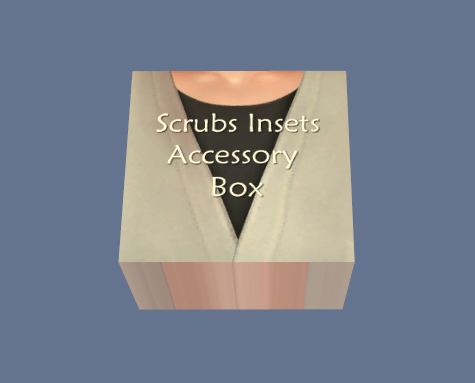
The box can be found under Misc. -> Misc. and costs all of $0.
When you click on the box, the menus looks like so (you know the drill, click for larger):
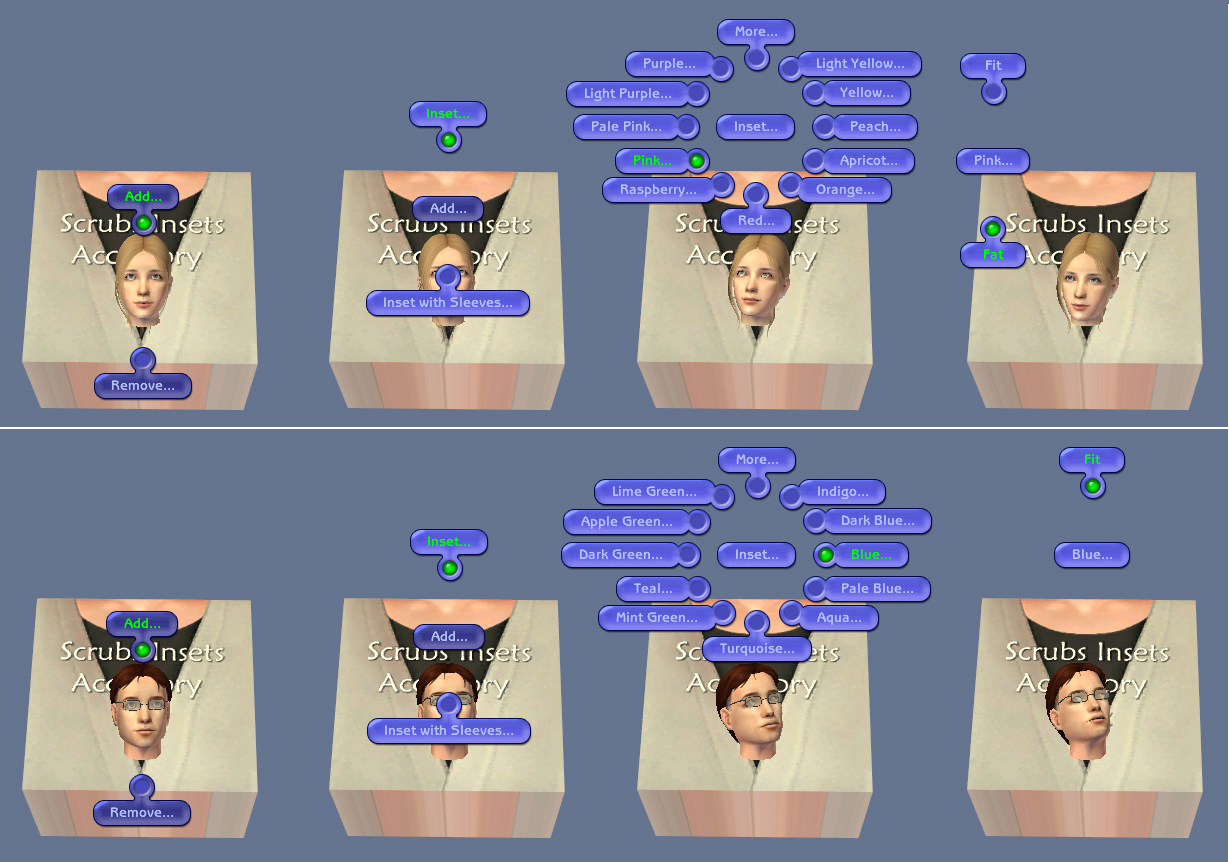
Helping us with the demonstration today are Liz and Eric, two of my story Sims – my main characters, even.
Liz is a GP and Eric’s a surgeon who thankfully is better at handling a scalpel than he is a car jack.
For male Sims like Eric, you only get the “Fit” option (but it works for both fit and fat Sims), whilst female Sims get “Fit” and “Fat”. You’ll have to select the correct version for your Sim yourself – sorry about that. 😟
(Would it have been great if the box would detect your Sims body shape and spawn the accessory accordingly? Absolutely, and if this had been a regular object, I could and would have made it like that. But for an accessory box, the BHAVing required is a above my pay grade – to keep with the medical theme, that’s senior consultant level and I’m a junior reg. I might pick the brains of people more knowledgeable than me at a later date, but for now, this is what we’ve got to work with.)
Note: The first time per playing session you select an accessory for your Sim, the game will freeze for a bit whilst your computer digests the BCONs. Don’t worry, this is normal and expected, and it will only happen that first time. For the rest of the session, the accessories will spawn (almost) instantly.
Credits and Thanks…
…to Oce at Blue Haven Sims for the template box I made this from + the tutorial I followed to set it up
…and to Skell for the improved scrubs + the base textures.
 Nixed Sims